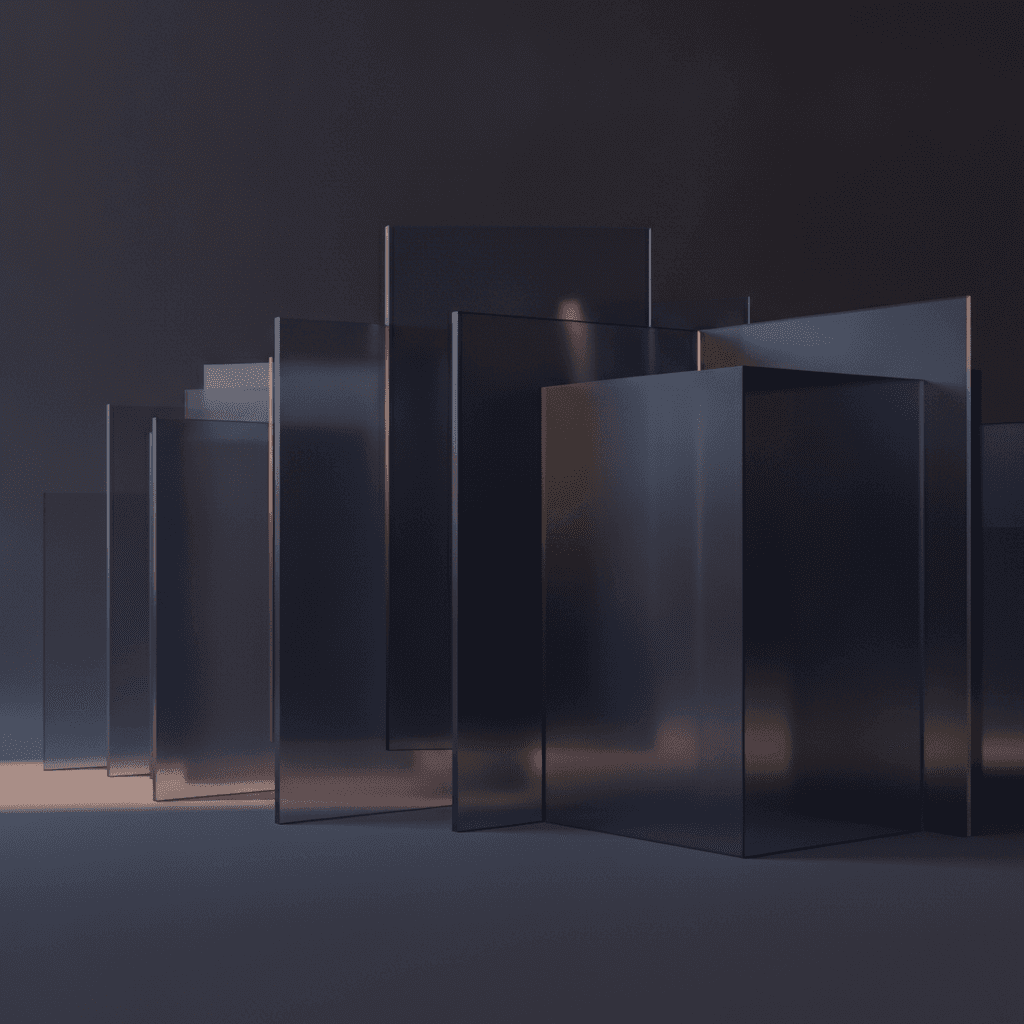
Dark mode is a staple in modern UI design, offering aesthetic appeal, reduced eye strain, and potential battery savings on OLED screens. However, transitioning from light to dark interfaces presents unique design challenges, particularly when it comes to establishing visual hierarchy and depth. In light themes, shadows are a powerful tool for indicating elevation – the darker the shadow, the more an element appears to float above its background. This system helps users understand interactive elements, grouping, and focus areas.
In dark mode, this traditional approach falters. Shadows, being dark by nature, tend to disappear or become indistinguishable against dark backgrounds, effectively flattening the interface. Without clear elevation cues, an application can devolve into a confusing expanse of undifferentiated surfaces, hindering structural perception and information prioritization. This article explores how designers can skillfully craft depth and hierarchy in dark mode, moving beyond conventional shadows to leverage alternative visual cues that enhance usability and maintain a rich, layered user experience.
The Unique Challenge of Dark Mode Elevation
In light interfaces, a physical light source analogy works: closer elements cast darker shadows, further ones lighter. This visual language is ingrained, but in dark mode, shadows lose contrast and fade, making elevation indiscernible. A dark shadow on a dark surface simply fades away, making it impossible to discern if an element is raised or flush with the background.
This fundamental shift requires a re-evaluation of how we communicate depth. Instead of thinking about elements casting shadows, we must consider how elements interact with light in a dark environment. In essence, in dark mode, elevated surfaces often appear brighter or more luminous than the surfaces below them, almost as if they are subtly emitting light or reflecting it more intensely. This inversion of the traditional shadow model is crucial for maintaining a perceivable sense of layering and interactivity.
The challenge is to redefine depth's visual language, shifting from subtractive shadows to additive luminosity. Mastering this is key to intuitive, aesthetic dark mode experiences.
Luminosity and Color as Your Elevation Tools
Effective dark mode elevation uses calibrated shifts in luminosity and color. Instead of relying on shadows, designers use progressively lighter shades of the base dark color to indicate higher planes. Imagine a dark background as the deepest point; elements "above" it use slightly lighter, less saturated dark colors. The higher an element is meant to appear, the brighter its surface color becomes.
This system creates a clear visual hierarchy where the brightest surfaces command the most attention, naturally drawing the user's eye to interactive elements or critical content. For instance, a base background might be a deep charcoal grey. A card element resting on that background could be a slightly lighter grey. A button on that card might be a brighter grey still, and a modal dialog appearing over everything else would be the lightest, most luminous shade of grey in the system. This graduated scale of luminosity provides an intuitive sense of layering without the need for traditional shadows.
These subtle, harmonious color changes must maintain the dark aesthetic while providing accessibility contrast. The goal isn't to make elements bright white, but to create distinct visual steps within the dark spectrum that clearly communicate depth and interaction possibilities.
Crafting a Consistent Elevation Scale
A consistent, well-defined elevation scale is fundamental to a robust dark mode design system, ensuring users instinctively understand UI component spatial relationships. A well-crafted scale typically involves defining a limited number of elevation levels, each corresponding to a specific luminosity value. Too few levels hinder differentiation; too many risk visual noise.
- Base Background: The deepest, darkest tone in your interface, serving as the canvas (level 0).
- Surface Elements: Components like cards, list items, and containers, typically one step lighter than the base background.
- Interactive Elements: Buttons and input fields often require higher elevation, appearing one or two steps lighter than surface elements.
- Floating Elements: Modals, dialogs, popovers, and menus should be significantly brighter and more luminous, clearly detaching from underlying layers.
- Critical Actions/Highlights: Elements requiring maximum emphasis, like primary call-to-action buttons, may receive the highest luminosity.
By consistently applying these levels throughout your design, you create a predictable and intuitive system. Documenting these values (e.g., `elevation-0`, `elevation-1`) ensures consistent application across your product.
Subtle Shadows and Borders: The Finishing Touches
While luminosity primarily drives dark mode elevation, subtle shadows and borders can complement it judiciously. Traditional dark shadows won't work, but an inner shadow or a very faint, light-colored outer glow can effectively suggest a raised surface. An inner shadow can create the illusion of depth by making an element's edges seem recessed or its surface slightly concave.
Alternatively, a soft, diffuse light-colored "shadow" or glow from an elevated element's bottom edge can mimic upward light reflection. This is a subtle trick, with the 'shadow' color closely matching the background to avoid a distracting outline. Furthermore, a delicate border or stroke can distinguish elements with similar luminosity or delineate interactive regions. This thin border, a subtle variant of the element's surface or background, enhances without clashing. These techniques are secondary to luminosity but add a refined touch, enhancing depth and element separation.
Practical Application and User Experience
Effective elevation cues directly translate into a more intuitive, user-friendly experience. In dark mode, clear visual hierarchy from differing luminosities immediately guides user attention. A modal dialog, for instance, will pop out distinctly from the background, making it obvious that it's a separate, focused interaction. Similarly, a selected tab or an active input field will stand out with a higher luminosity, signaling its current state and prompting interaction.
Consider a dashboard with multiple cards. Each card, lighter than the background, instantly communicates its distinct, actionable unit status. Within those cards, buttons and other interactive elements can be further elevated through increased luminosity, making their purpose and interactability unmistakable. This layered approach helps users quickly scan the interface, understand the relationships between different components, and anticipate the results of their actions.
Test your elevation system with users across devices and lighting conditions for effectiveness. What looks clear on a design monitor might be less discernible on a mobile screen in low light. Iteration is key to balancing aesthetic appeal and functional clarity, ensuring dark mode elevation cues enhance UX.
Crafting dark mode depth and hierarchy is a nuanced art, moving beyond conventional shadows. By embracing luminosity and strategic color variation as primary elevation cues, designers can create interfaces that are not only visually striking but also highly functional and intuitive. A well-defined elevation scale, complemented by subtle borders and light-based shadow effects, ensures users effortlessly navigate UIs, understand relationships, and focus. Ultimately, mastering dark mode elevation is about guiding the user's eye with purpose, transforming a potentially flat canvas into a rich, layered, and accessible digital experience.
Sources & Further Reading
- Dark theme — Google
- Depth perception — Wikipedia
- Visual Hierarchy — Interaction Design Foundation
- Elevation — Google